How do I register and use coupons in Galaxy Store?
Important Note: The information on this page is for Hong Kong products only. Models, sequences or settings will vary depending on location and/or where the product had been purchased. To be redirected to your local support page please click here.
You must have a Samsung account in order to register and use coupons from Galaxy Store events or external promotions. After coupons are registered in your Samsung account, they can be used on paid app and in-app item purchases.
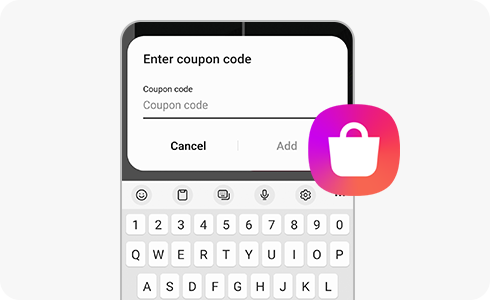
Please refer to the instructions below regarding coupon use:
- You can only use one coupon for each purchase.
- Expired coupons cannot be refunded or kept for future purchases.
- If you cancel payment before downloading an app, unused coupons are returned.
- If you purchase an app that exceeds the coupon amount, you can pay the difference with other payment methods such as a credit card or mobile phone payment. Apply the coupon first before paying the difference with another payment method.
To register a coupon in Galaxy Store:


Step 1. Log in to Galaxy Store and tap the “Menu” icon from the main screen.


Step 2. Tap “Coupons and gift cards” in the Galaxy Store menu.


Step 3. Tap + (the add icon) at the top right of the screen to register your coupon.
To use a coupon in Galaxy Store:


Step 1. Tap the price to purchase the app or item.


Step 2. Tap “Use discounts” in the Samsung Checkout window.


Step 3. If you have registered a coupon, select it. Otherwise, tap + to add the coupon.


Step 4. If you are adding a coupon, add the coupon code.
If the above information does not match what your product is showing, you may check the User Manual for your product. If you are unable to solve the problem, please contact us for further assistance.
Thank you for your feedback!
Please answer all questions.
RC01_Static Content : This text is only displayed on the editor page